By
By Canva AI Image Generator is widely used for creating digital visuals quickly, thanks to its easy-to-use interface and ready-made templates. Many marketers, content creators, and small business owners rely on it for social media posts, advertisements, and other digital content.
However, not every user finds Canva’s AI features enough for their needs. Some want higher-quality images, more artistic styles, or tools that give greater control over prompts and outputs. Others look for solutions that can handle professional projects, commercial use, or bulk image creation without restrictions.
This guide explores the best alternatives to Canva AI Image Generator in 2026, helping creators, marketers, and small businesses find tools that deliver higher-quality images, greater creative control, and more customization options.
It covers:
- Why some people look for alternatives to Canva AI Image Generator.
- Limitations of Canva’s AI features, templates, and customization options.
- Detailed reviews of top AI image generator alternatives:
- Simplified AI Image Generator – for generating and customizing AI images in a single platform.
- Adobe Firefly – for professionals needing commercial-safe, editable visuals.
- DALL·E 3 – for accurate prompt-based, realistic, or stylized images.
- Midjourney – for highly artistic and creative visuals.
- Stable Diffusion – for advanced users wanting full control and customization.
- Key features, why it’s better alternative than canva, strengths, and limitations of each alternative.
- Side-by-side comparison table of tools, models, features, and pricing.
- Tips and cautions for using AI-generated images, including licensing, style consistency, and prompt guidance.
- Guidance on choosing the right AI image generator based on workflow, creative goals, and budget.
Why Users Look for Alternatives to Canva AI Image Generator
While Canva AI Image Generator is popular, many users report limitations that lead them to look for alternatives. Insights from G2 reviews reveal the main reasons:
1. Limited Free Features and High Cost
Many users feel that Canva’s free plan offers only basic tools. To access AI image generation, advanced templates, or higher-quality downloads, a paid subscription is required. Some reviewers mention that the subscription cost feels high compared to the features provided, especially for small businesses or individual creators.
2. Lack of Advanced Customization
Users often find Canva restrictive for precise design work. Features like detailed layering, custom shadows, gradient control, or professional typography are limited. This can make it difficult to create brand-specific or highly polished visuals.
3. Performance Issues with Complex Designs
Several users report that Canva can lag when working on larger projects or high-resolution designs. Exporting print-ready images or multiple variations at once can sometimes be slow or result in quality issues.
4. Overused Templates and Generic Designs
While Canva’s templates are convenient, many users note that heavy reliance on them can lead to generic visuals. For brands or creators aiming for unique designs, this limitation often pushes them to explore alternatives.
5. Limitations in AI Image Generation
Some reviewers highlight that Canva’s AI features can feel basic compared to dedicated AI image generators. Users seeking realistic images, creative styles, or fine-tuned control over prompts may find Canva’s AI outputs insufficient.
Top Canva AI Image Generator Alternatives
If Canva AI Image Generator doesn’t meet all your needs, several tools offer more flexibility, better quality, or advanced AI features. Here are the top alternatives, starting with a tool ideal for marketers and content creators:
1. Simplified AI Image Generator

Simplified AI Image Generator is an all-in-one platform that allows you to generate images from text prompts, choose from multiple style options (from cinematic to super realistic), and edit them directly within the tool. It is designed for marketers, content creators, and small businesses who want fast, high-quality visuals without switching between multiple apps.
Key Features:
- Prompt-Based Text-to-Image Generation: Users can type a simple or detailed prompt and generate custom images that follow the description closely—ideal for campaigns, product concepts, and creative ideas.
- AI Models: Users can choose from multiple AI engines for different styles and realism levels. Examples include Flux, Recraft, Ideogram, Stable Diffusion, OpenAI, Google (nano banana pro), Qwen, and Bytedance models. Each model produces unique results, offering flexibility for various creative needs.
- Style Options: Optional style presets allow you to adjust the artistic look, such as realistic, cinematic, anime, cartoon, or abstract styles. This gives more control over the final image’s appearance.
- Camera Angle Settings: Customize the perspective of your image with options for top-down, side view, close-up, wide-angle, or other camera angles to achieve the desired composition.
- Generate Variations: After generating an image, you can create multiple variations with slight differences. This helps in selecting the best version or experimenting with different creative directions.
- Aspect Ratio Settings: Choose the image’s aspect ratio to fit different formats, such as square (1:1), landscape (16:9), or portrait (9:16), making it ready for social media posts or web use.
- Upload Reference Images: Optional reference images can guide the AI to match colors, styles, or elements, helping maintain consistency in your visuals.
- Export Options: Download high-resolution images suitable for social media, ads, websites, or print projects.
Why Simplified is better than Canva?
Simplified offers more control and flexibility than Canva AI Image Generator. It supports multiple AI models, provides deeper prompt-based settings such as camera angles and style presets, and includes a built-in prompt improvement tool that helps users get better results with less trial and error. It also offers stronger variation options and reference-image support, making it easier for marketers and creators to produce consistent, high-quality visuals that match their goals.
Here are a few examples for your reference showing how images generated by Simplified AI Image Generator look:


Best For:
- Social media managers and content creators needing ready-to-post images.
- Small businesses creating marketing visuals without professional design experience.
- Anyone who wants a combination of AI generation and design editing in one platform.
Limitations:
Advanced graphic designers may find the tool simpler than Adobe Firefly or DALL·E 3.
2. Adobe Firefly
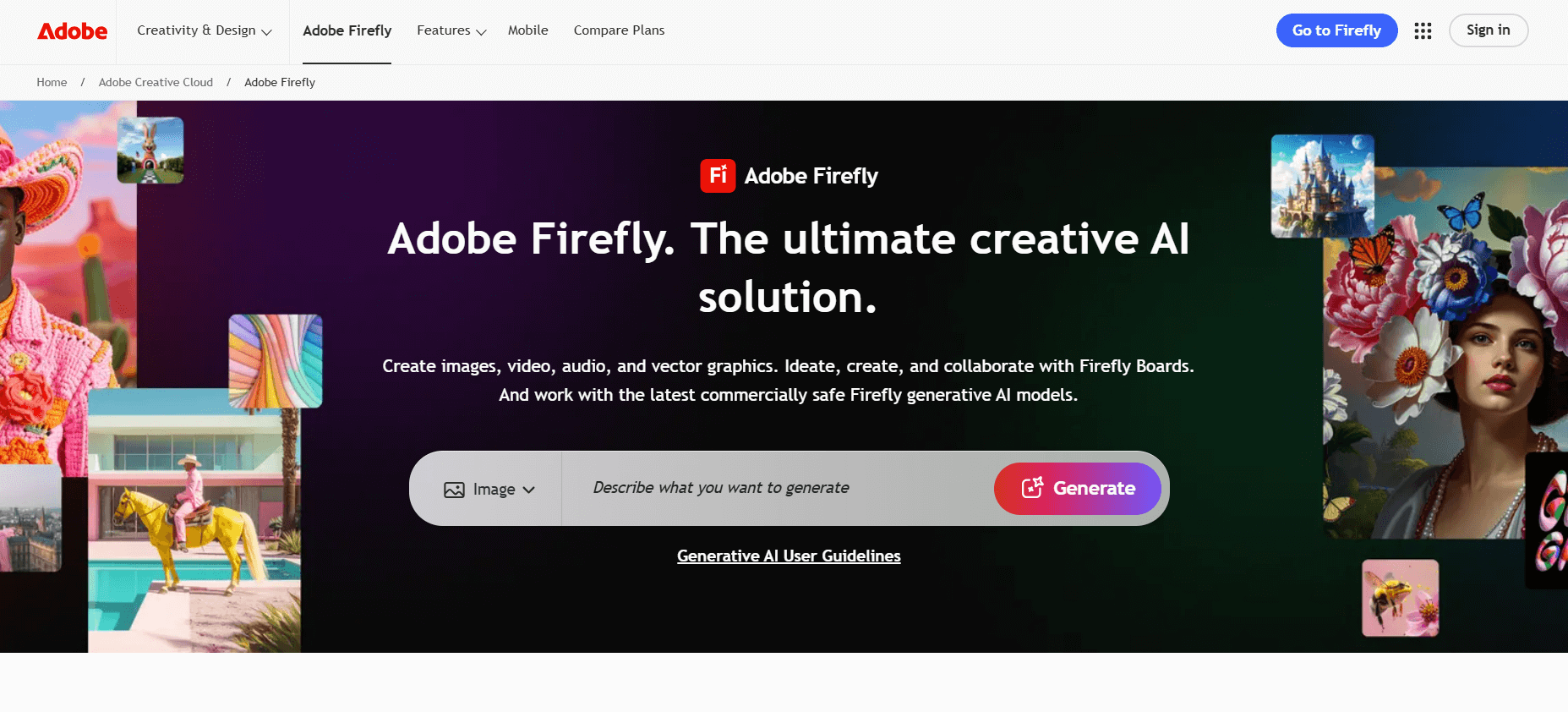
Adobe Firefly integrates AI-driven image creation into the Adobe ecosystem. It works with existing Adobe tools and is built for users who want commercial-safe, high-quality outputs with editing flexibility.
Key Features:
- Multiple image generation modes: Text-to-Image, Generative Fill (add or remove objects), Generative Expand (extend canvas), and Text Effects.
- Model options: Users can select among Firefly’s own models (e.g. Firefly Image 3, Firefly Image 4, Firefly Image 4 Ultra) and — in many cases — partner models to vary style, detail, and performance.
- Style & output control: Users can choose content type (artwork, graphic design, photo), aspect ratio (square, portrait, landscape), and apply tone/color presets, lighting presets, and composition settings. This helps match different design needs like web banners, social posts, or print layouts.
- Image editing tools: With Generative Fill or Expand, you can add/remove elements, change backgrounds, or expand scenes — useful for customization or adjustments after generation.
- Batch and bulk edits (for some users): Firefly supports background removal, color grading, and cropping for many images at once — helpful for marketing teams or businesses processing multiple assets.
- Commercial-safe licensing: Firefly is built to deliver images safe for commercial use, using training data from licensed content or public domain, which reduces legal concerns for business use.
Why Adobe Firefly is better than Canva?
Adobe Firefly is better than Canva AI Image Generator because it offers more advanced AI-powered creative tools, including text-to-image generation with higher fidelity, style customization, and better handling of complex compositions. It integrates seamlessly with Adobe’s Creative Cloud ecosystem, making it easier for professionals to refine and edit images in tools like Photoshop and Illustrator. Additionally, Firefly provides more control over output quality and licensing, which is essential for commercial use.
Best For:
- Creators, marketers, agencies, or teams already using Adobe tools and needing design + generation + editing in one workflow.
- Projects requiring brand-safe, polished images ready for commercial or public use.
- Users who value having design controls like cropping, layering, background edits, and batch processing.
Limitations:
- Full access often requires a paid plan or generative credits.
- For very stylized or highly artistic results, other AI art tools may offer more creative freedom.
3. DALL·E 3
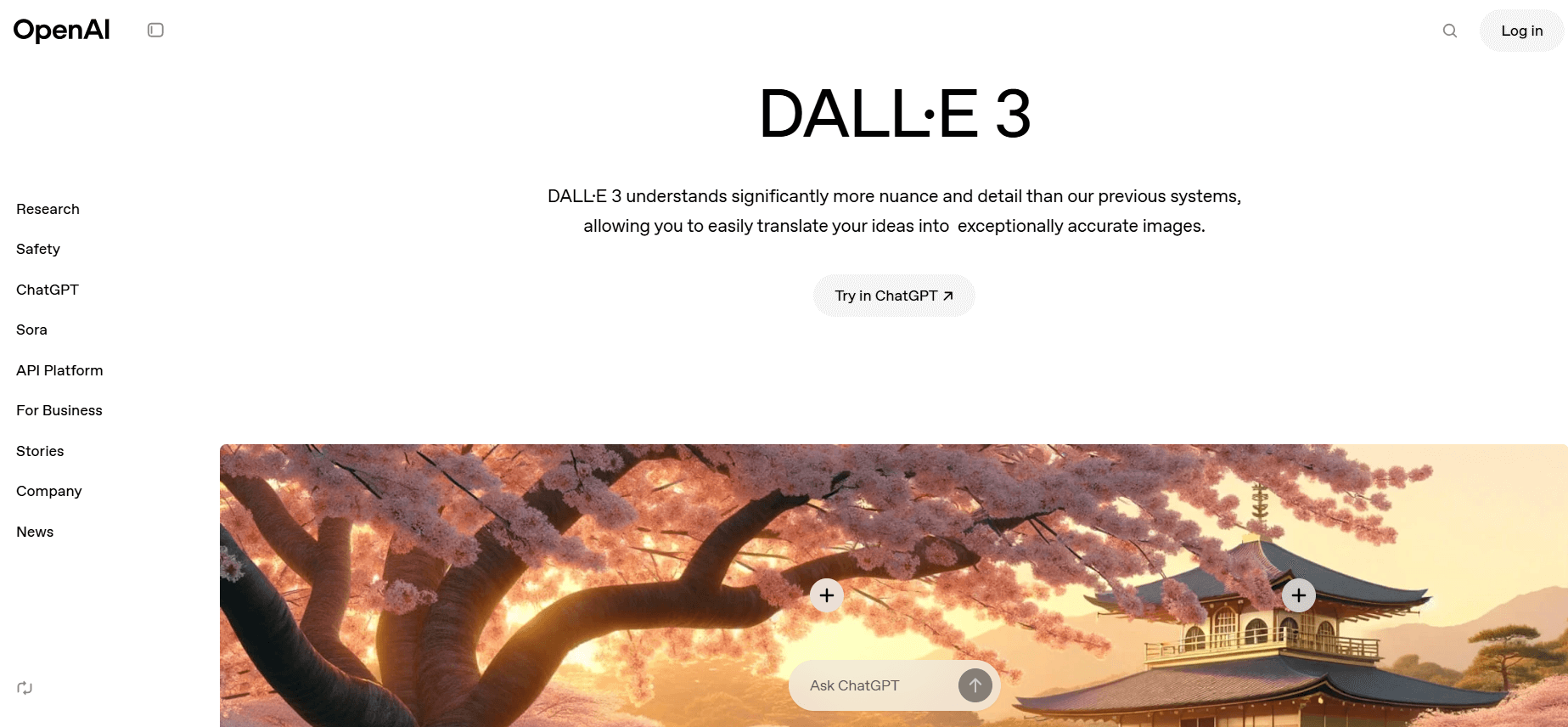
DALL·E 3 is the latest image-generation model from OpenAI. It turns detailed text prompts into custom images and can deliver realistic or creative visuals. Many users value its balance between ease of use and creative power.
Key Features:
- Strong text-to-image interpretation: Handles complex prompts with good semantic understanding, capturing details like composition, style, and objects with relatively little prompt engineering.
- Inpainting / Editing Abilities: You can refine or edit parts of a generated image — for example, change the background, add or remove objects — without starting from scratch.
- Flexible output styles: Supports both photorealistic and stylized outputs, depending on how you write your prompt. This makes it useful for marketing visuals, blog images, concept art, and more.
- Accessible integration: Often available through platforms and interfaces that make it easier for non-technical users to generate images without deep setup.
Why DALL·E 3 is better than Canva?
DALL·E 3 stands out for prompt accuracy and ease of use. It tends to follow textual instructions very precisely — making sensible, coherent scenes that match user descriptions closely, even for complex prompts and image layouts. It also handles in‑image text (like signs or labels) far more reliably than many competitors. Because it’s integrated into familiar chat / web interfaces, it’s especially approachable for non‑experts or those needing quick, polished images for blogs, marketing, or concept work.
Best For:
- Bloggers, marketers, content creators, or small teams needing custom images for campaigns, posts, or web content.
- Users who want a straightforward, user-friendly way to generate images from prompts.
- Projects where you may need edits or adjustments after initial generation.
Limitations:
- Licensing and commercial-use terms should be reviewed depending on how you plan to use the images.
- Some outputs may require trial and error: slightly changing prompt wording can produce very different images.
- If you need a very specific style or high consistency across many images, controlling all variables may be harder compared to more manual or configurable tools.
4. Midjourney

Midjourney is a prompt-based AI art generator known for its strong artistic style. It creates detailed visuals that work well for creative, branding, and conceptual projects.
Key Features:
- Rich artistic styles: Produces painterly, cinematic, surreal, and stylized visuals that stand out in creative projects.
- Model version options: Users can switch between different versions of Midjourney models (like v5, v6, Niji for anime) depending on the look they need.
- Style presets: Includes settings for stylization, quality, and level of detail to control how artistic or realistic the image appears.
- Variation & remaster options: Lets you generate multiple versions, reroll outputs, or remaster images for higher quality.
- Upscaling: Built-in upscalers improve resolution for prints, posters, or large graphics.
Why Midjourney is better than Canva?
Midjourney shines when you want artistic, stylized or creative visuals — think cinematic illustrations, fantasy art, conceptual images or moody compositions. Its style freedom and aesthetic consistency make it ideal for creators focused on illustration, game art, storytelling visuals or imaginative design. However, it’s less precise with literal prompt details — especially when you need concrete layout or readable text — so it can drift into “interpretive” territory rather than faithful rendering
Best For:
Illustrators, creative directors, designers, and marketers who want bold, distinctive visuals.
Limitations:
Not ideal for strict photorealism or business images that must follow precise brand guidelines. Also requires Discord for use.
5. Stable Diffusion

Stable Diffusion is an open-source AI model that gives users full control over image generation, customization, and editing. It works online or offline, depending on the interface or platform you use.
Key Features:
- Full prompt control: Users can fine-tune outputs with detailed prompts, negative prompts, and parameter adjustments.
- Model flexibility: Supports countless community-trained models (e.g., Realistic Vision, DreamShaper, Anime models, 3D styles).
- Inpainting & outpainting: Allows targeted edits, background replacements, object additions, or extending a scene beyond the original frame.
- Local installation: Can run on your computer using tools like AUTOMATIC1111, ComfyUI, and others for full privacy and file control.
- Upscaling & refiners: Add-ons improve image quality, remove noise, or sharpen details for print or commercial projects.
Why Stable Diffusion is better than Canva?
Stable Diffusion is best when you need full control, deep customization or want to run locally — for example, if you’re a developer, researcher or someone experimenting with styles, custom models or high-volume generation. Being open‑source, it allows flexible workflows (modifying sampling methods, adding custom models, doing inpainting/outpainting, fine‑tuning) that the “closed” generators don’t easily support. The downside: it often needs more technical knowledge to get good results, and outputs can vary depending on model, prompt and setup.
Best For:
Developers, designers, and advanced users who want to customize every part of the image-generation process.
Limitations:
Requires technical setup and understanding of models. Output quality varies based on settings, hardware, and the model you choose.
AI Image Generator Comparison Table (Features, Models & Pricing)
Get a quick side-by-side view of the top AI image generators, including their key features, model options, and pricing. This table helps you compare tools faster so you can choose the right platform for your creative or marketing needs.
| Tool Name | Key Features | Best For | Limitations | Pricing (Approx.) |
|---|---|---|---|---|
| Simplified AI Image Generator |
• Prompt-based text-to-image generation • Multiple AI models: Flux, Recraft, Ideogram, Stable Diffusion, OpenAI, Google, Qwen, Bytedance • Style presets (realistic, cinematic, anime, cartoon, abstract) • Camera angle controls (top view, side view, close-up, wide-angle) • Generate variations instantly • Aspect ratios for social, ads, and websites • Upload reference images • High-resolution export options |
Content creators, marketers, small businesses | Advanced designers may need more depth than Adobe Firefly or DALL·E 3 | Free plan available; Paid plans typically start around $11–$15/month |
| Adobe Firefly |
• Text-to-Image, Generative Fill, and Generative Expand • Firefly Image Models 3–4 Ultra + partner models • Style & tone presets, lighting adjustments, composition settings • Background edits, object removal, and canvas expansion • Batch editing for teams • Commercial-safe licensing |
Agencies, teams using Photoshop/Illustrator, commercial branding projects | Paid credits required; less freedom for experimental visuals | Included in Adobe plans; around $20–$60/month depending on package |
| DALL·E 3 |
• Strong prompt understanding • Inpainting and selective editing • Photorealistic and artistic styles • Works via integrated platforms (e.g., ChatGPT) • Supports detailed concept creation |
Bloggers, marketers, teams needing custom images for content | Prompts may require fine-tuning; check commercial-use terms | Often included with ChatGPT+ ($20/month) |
| Midjourney |
• Strong artistic and cinematic styles • Versions: v5, v6, Niji (anime) • Style presets for detail and quality • Variation, reroll, and remaster functions • Built-in upscaling for print quality |
Illustrators, branding teams, creative professionals | Requires Discord; not ideal for photorealistic needs | Plans start around $10–$30/month |
| Stable Diffusion |
• Full prompt + negative prompt control • Supports many community models (Realistic Vision, DreamShaper, Anime models, etc.) • Inpainting/outpainting for edits • Offline installation via AUTOMATIC1111, ComfyUI • Advanced upscalers and refiners |
Developers, designers, advanced users needing full customization | Requires setup; output varies by model and hardware | Free (open-source), but paid cloud tools available from $10–$30/month |
Cautions When Using AI-Based Image Generators
Even the best AI image tools come with considerations you should keep in mind:
1. Licensing and Commercial-Use Rules
Not all AI-generated images are cleared for commercial use. Some tools restrict how outputs can be used for ads, branding, or client projects. Always review the licensing terms, especially if you’re creating assets for a business or agency.
2. Maintaining Consistent Style
AI tools often produce inconsistent results across multiple prompts. This can make it difficult to maintain a steady brand style—especially for campaigns needing a unified visual identity. Tools with reference image upload or model-specific settings can help reduce this issue.
3. Prompting or Design Skill Still Matters
Even with advanced AI models, good image results depend heavily on how you write prompts. Complex scenes, specific layouts, and brand-accurate visuals may require multiple iterations. Tools like Simplified, which include built-in prompt enhancement and refinement features, can help improve prompt structure before generating images. Having basic design judgment also helps refine the final output.
Final Thoughts
AI image generators are becoming more powerful, but many creators and businesses move away from Canva’s AI due to limitations such as fewer model options, reduced style flexibility, and less control over details. These gaps push users toward tools that offer stronger customization, better realism, or more advanced creative features.
Different alternatives serve different needs—
- Simplified offers an all-in-one workflow for marketers and teams.
- Adobe Firefly fits professionals who need commercial-safe and Adobe-ready assets.
- DALL·E 3 is great for detailed and accurate prompt interpretation.
- Midjourney excels in stylized artistic visuals.
- Stable Diffusion gives maximum control for developers and power users.
Before picking any platform, consider your goals—whether you want speed, stylistic control, brand consistency, or technical flexibility. The right generator depends on your creative workflow, budget, and how much control you need over the final image.