 By
By Marketing automation is no longer a niche tool — it is now among the most widely used technologies in modern marketing stacks. According to a 2025 survey by Third Door Media / Semrush, 76.9% of organizations reported using marketing automation in their martech stack. Meanwhile, the global marketing automation market is growing rapidly. Grand View Research forecasts it will reach US$15.58 billion by 2030, growing at a compound annual growth rate (CAGR) of 15.3%.
So, what exactly are marketing automation tools — in plain terms? Simply put, these are software platforms that handle repetitive marketing tasks automatically. These tasks include posting on social media, sending scheduled emails, planning content calendars, and tracking campaign performance. By using automation tools, marketers no longer need to manually execute every step — the platform does a large part of the work for them.
This article compares 12 major marketing automation platforms to help you understand what each one offers by examining their strengths, features, and pricing.
What is Marketing Automation?
Marketing automation is the use of software to manage marketing tasks such as sending emails, posting on social media, and tracking customer interactions. By automating these tasks, businesses can save time, ensure consistency, and increase productivity. Whether you’re running a small startup or a large organization, marketing automation can help manage marketing processes more effectively.
What Marketing Automation Tools Do
Marketing automation tools cover different parts of online marketing. Each platform offers a mix of features, and together they help build a complete system for planning, posting, and tracking content.
Content Planning
Teams can create calendars, organize ideas, map posting dates, and make a clear plan for their entire month.
Social Scheduling
Instead of posting every update manually, users can schedule posts ahead of time. This includes images, captions, links, and multi-platform scheduling.
Email Workflows
Automation tools help set up simple email sequences. These include welcome emails, updates, reminders, or regular newsletters.
Lead Nurturing
Some tools help follow up with potential customers. This includes sending timely emails, tracking responses, and keeping notes on each lead.
Reporting and Tracking
Most platforms show performance data. Users can see which posts work well, how email campaigns perform, and which channels bring results.
AI Support for Content Creation
AI helps generate ideas, captions, product descriptions, emails, and long-form content. This support reduces the time spent starting from scratch and helps teams produce more content with less effort.
Marketing Automation Tools at Glance
| Tool | Specialized In | Best For |
|---|---|---|
| Simplified | Content creation + social scheduling + AI tools | Teams managing content and social posts in one place |
| HubSpot | CRM-connected marketing automation | Businesses needing strong CRM + marketing integration |
| Mailchimp | Simple newsletters + basic email journeys | Small teams starting with email marketing |
| ActiveCampaign | Behavior-based email automation | Users needing advanced triggers and segmentation |
| Buffer | Straightforward social scheduling | Creators and small teams focusing on social posting only |
| Hootsuite | Social monitoring + unified inbox | Brands handling multiple profiles and high message volume |
| Zoho Campaigns | Email + SMS + CRM sync | Businesses using Zoho CRM or needing list segmentation |
| Marketo | Enterprise B2B lead nurturing | Large companies with long sales cycles and ABM programs |
| Pardot | Salesforce-connected B2B automation | Salesforce-dependent B2B teams |
| ConvertKit | Creator-focused funnels | Bloggers, educators, creators selling digital products |
| Brevo | Low-cost email, SMS, WhatsApp | SMBs needing multichannel messaging |
| GetResponse | Funnels + webinars + email | Online educators, coaches, and webinar-based marketers |
12 Must-Have Marketing Automation Tools for Businesses
Lets have a complete breakdown to help you compare features, pricing, and the tasks each tool handles well.
Simplified — Specialized in Content + Social Automation with Built-In AI

What the tool is used for
Simplified is an all-in-one marketing platform used for content creation, social scheduling, campaign automation, and team collaboration. It helps manage tasks such as writing posts, designing visuals, planning campaigns, and publishing content across multiple channels.
Key features
- AI Writer for captions, blogs, ideas, and long-form content
- AI Design for images, templates, carousels, and quick edits
- AI Video for clips, subtitles, and script-to-video creation
- Social Media Scheduling with a calendar, queues, and multi-platform posting
- Automation Workflows for emails, reminders, and campaign steps
- Analytics for tracking post and campaign performance
- Team Collaboration with shared workspaces, tasks, and comments
- Asset Library for storing brand files, templates, and media
- Integrations with common marketing and CRM tools
Who it suits best
- Small to medium teams managing content and campaigns
- Agencies handling clients and approval workflows
- Solo creators who want AI writing, design tools, and scheduling in one system
- Businesses that want a single tool for planning, creation, and publishing
Pricing summary
- Free plan: Basic AI writing, design tools, and limited scheduling
- Pro: 1 seat, up to 7 social accounts, advanced design and video creation, $15/month (annual billing).
- Business: 3 seats, up to 15 social accounts, API access, advanced analytics, $33/month (annual billing).
- Growth: 5 seats, up to 30 social accounts, unlimited AI credits, bulk importing, $100/month (annual billing).
- Enterprise: Custom seats and social accounts, workflow automation, SSO, personalized onboarding—custom pricing per need.
Check the complete pricing breakdown and see what features are included in details.
Pros & Cons
| Pros | Cons |
|---|---|
| Very broad feature set — design, video, writing, scheduling all in one place. | Learning curve: many features might feel overwhelming at first. |
| AI tools reduce time for content creation. | AI-generated content may sometimes require editing for tone or accuracy. |
| Good collaboration and project management built in. | Higher plans or more team members can make cost go up. |
| Real-time campaign analytics and automation workflows. | Some features like bulk scheduling or automations may only be available in paid tiers. |
| Integrates with other marketing tools for data sync. | May not be as specialized as a dedicated CRM or email automation tool. |
Bonus: Impact of Influencer Analytics Tools: Track Influencer Marketing Performance
HubSpot — Specialized in CRM-Driven Marketing Automation
What the tool is used for
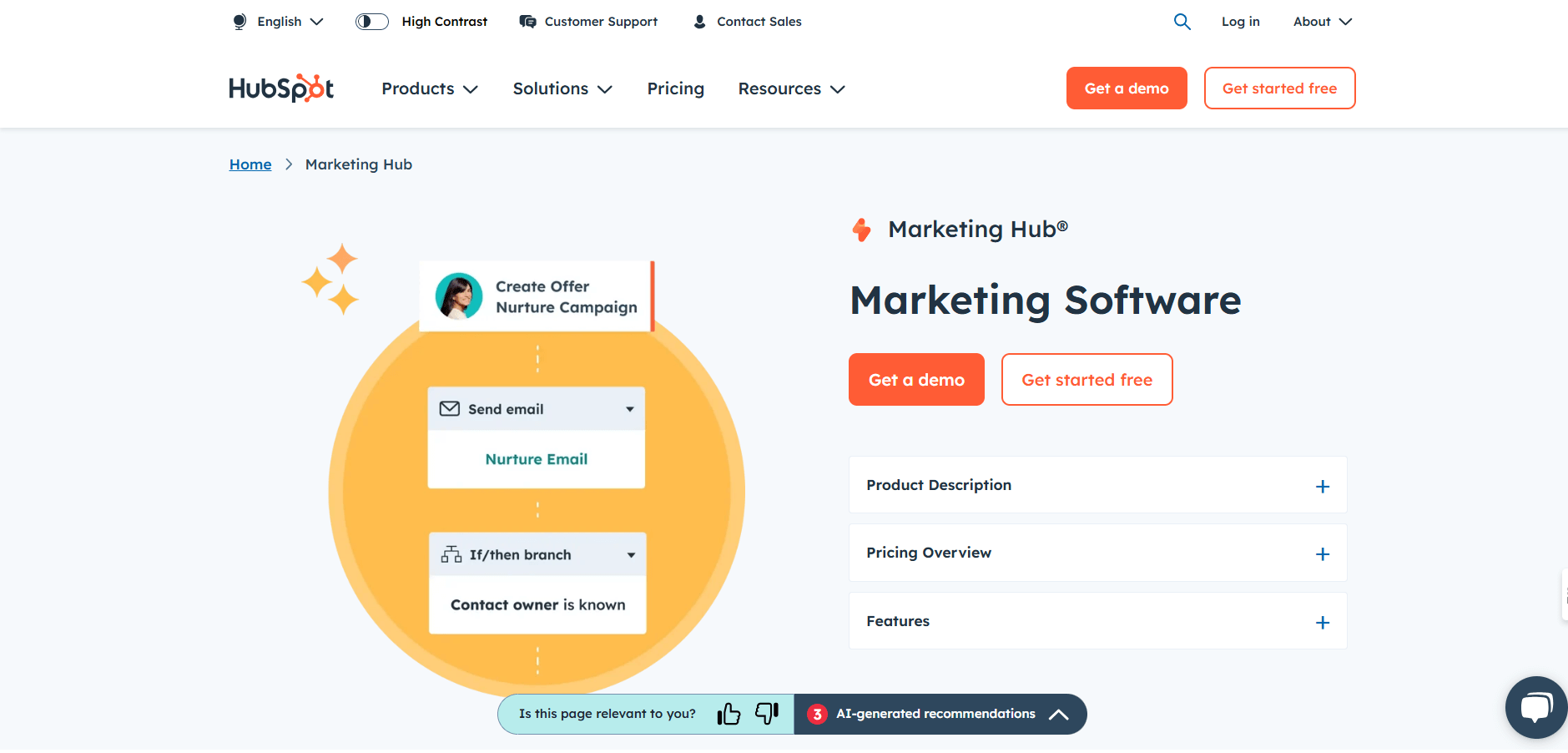
HubSpot is a full-featured marketing automation platform that combines a powerful Customer Relationship Management (CRM) system with email marketing, lead workflows, and campaign tracking. It is built to help businesses manage customer data, run automated email sequences, and track how leads move through the funnel.
Key features
- CRM for managing contacts, deals, and customer interactions.
- Email automation: build workflows for welcome emails, follow-ups, or drip campaigns.
- Drag-and-drop email editor + templates.
- Lead scoring and segmentation capabilities.
- Reporting and analytics dashboards for campaigns, contact activity, and conversion.
- Social media management and scheduling within the Marketing Hub.
- Multi-channel campaign automation (email, web, social) in higher plans.
- Role-based permissions and team collaboration in enterprise plans.
- Built-in live chat, forms, and lead capture tools.
Who it suits best
- Small to medium businesses that want a unified system for marketing and CRM.
- Sales and marketing teams looking to align workflows and data.
- Growing companies that need automation but also want to track customer relationships in one place.
- Businesses that want detailed reports, lead scoring, and more advanced automation over time.
Pricing summary
- Free plan: includes basic CRM, 2,000 email sends/month (with HubSpot branding) and limited automation.
- Marketing Hub Starter: $9 per seat/month (annual billing), roughly 1,000 marketing contacts included.
- Marketing Hub Professional: $800/month (includes 3 core seats, plus $45 for each additional seat), + a one-time onboarding fee of $3,000.
- Marketing Hub Enterprise: $3,600/month (5 core seats included, + $75 per extra seat), with up to 10,000 marketing contacts in base plan.
Pros & Cons
| Pros | Cons |
|---|---|
| Deep CRM + marketing integration — all contact data lives in one place. | Costs rise steeply with higher contact volumes or more advanced plan. |
| Powerful email workflows and automation with visual editors. | Onboarding fee for Professional and Enterprise plans. |
| Good reporting and analytics to track campaign performance. | Learning curve for advanced automation and reporting. |
| Lead scoring and segmentation features help prioritize leads. | Pricier than more basic email-only platforms. |
| Reliable support and a large learning resource base via HubSpot Academy. | Some lower-tier plans limit key features (team seats, custom reports). |
Mailchimp — Specialized in Newsletter Creation + Basic Email Journeys
What the tool is used for
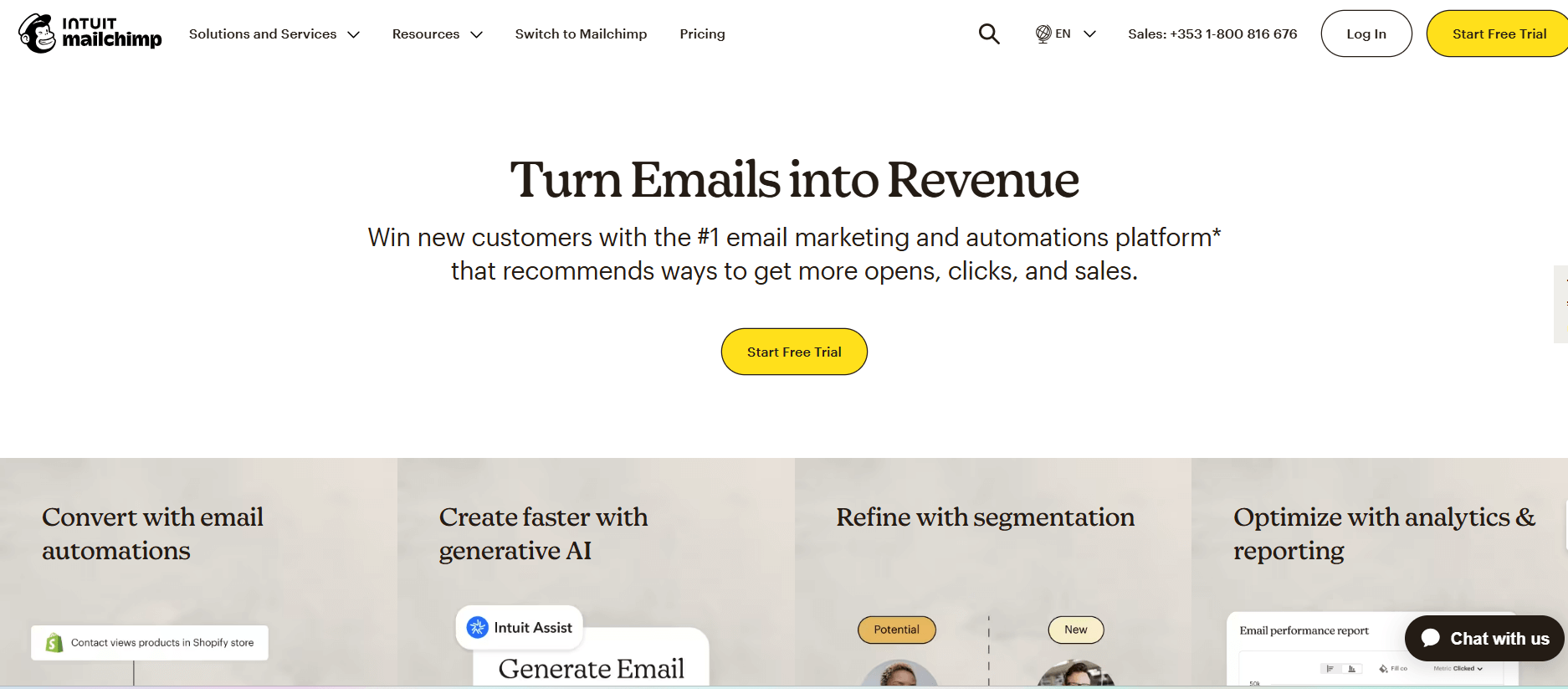
Mailchimp is primarily an email marketing platform that also supports marketing automation workflows. It helps businesses send newsletters, set up automated email journeys (like welcome emails or drip campaigns), and segment their audience based on behavior or characteristics.
Key features
- Automation workflows (“Marketing Automation Flows”) to build multi-step email journeys.
- Email editor with drag-and-drop templates and custom-coded templates.
- Advanced segmentation and behavioral targeting based on engagement or purchase activity.
- Predictive segmentation and send-time optimization (on higher plans).
- Generative AI capabilities for content or subject-line suggestions (on some plans).
- A/B testing / multivariate testing for email campaigns.
- Reporting and analytics: campaign metrics, comparative reports, contact behavior.
- Integrations: connects with many other tools and CRMs.
- Audience management: dashboards to track lists, tags, and audience trends.
- SMS add-on available in some regions as a paid extra.
Who it suits best
- Small and medium businesses that rely on email campaigns to reach customers.
- E-commerce companies that need to send automated sequences (welcome, cart reminders, order updates).
- Marketers who want data-driven segmentation and journey-building.
- Teams that need a flexible tool with options to scale and build complex customer paths.
Pricing summary
- Free plan: $0/month. Supports up to 500 contacts and basic one-step automations.
- Essentials: Starts at roughly $13/month (for 500 contacts). Includes A/B testing, simple automations, multiple audiences, and email templates.
- Standard: Starts around $20/month (for 500 contacts). Adds advanced automations, predictive segmentation, and more automation flow steps.
- Premium: Starts at $350/month (for larger lists) and offers priority support, multivariate testing, unlimited audiences, and advanced segmentation.
- Mailchimp also supports a Pay-As-You-Go option, where you buy email credits instead of a monthly plan.
Pros & Cons
| Pros | Cons |
|---|---|
| Very mature, reliable email automation system | Can become expensive as contact list grows |
| Strong audience segmentation and journey-building | Advanced automation / “flows” may be complex for beginners |
| Generative AI features help with content ideas | Some key automation features only in paid tiers |
| Reports and analytics provide deep insights | Predictive and dynamic content locked behind higher plans |
| Good template options + custom code support | Free plan is quite limited (small contact limit) |
Bonus: Implementing Workflow Automation For Business Expansion
Buffer — Specialized in Simple Social Media Scheduling
What the tool is used for
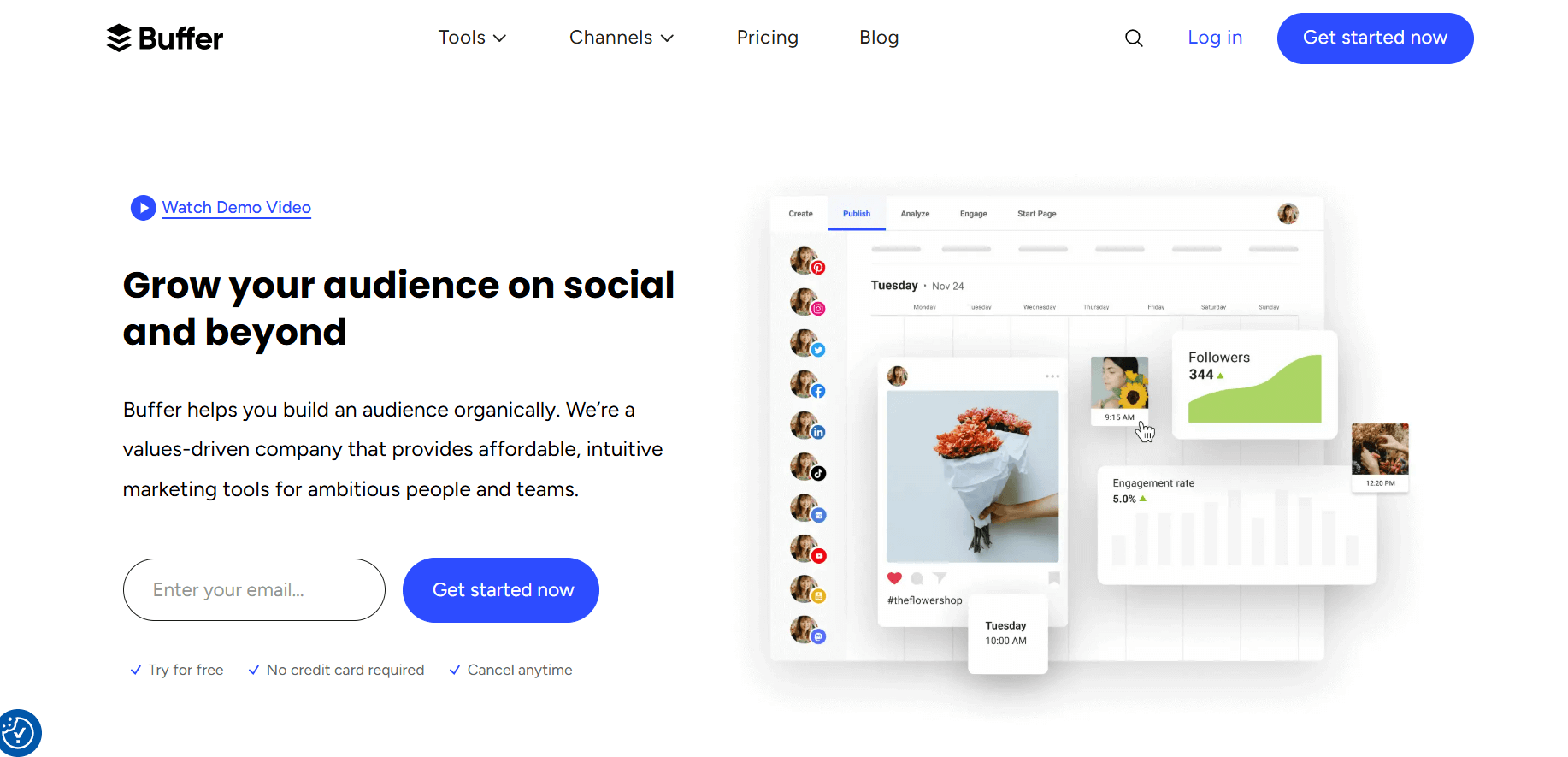
Buffer is a social media scheduling platform used to plan posts, publish content across multiple channels, and monitor basic performance. It helps teams prepare posts in advance and maintain a consistent posting routine.
Key features
- Scheduling for major platforms: Facebook, Instagram, LinkedIn, TikTok, Pinterest, and more
- Drag-and-drop content calendar
- Queue system for steady posting
- Basic analytics for post performance
- Team collaboration with approval workflows
- Browser extension for quick content saving
- Landing page builder for simple link-in-bio pages
- Hashtag suggestions and post drafts
- Option to manage comments and replies on some platforms
Who it suits best
- Small teams that want a simple posting tool
- Creators who need a clean calendar with fewer advanced features
- Businesses that focus mainly on planning and publishing without complex automation
- Agencies managing multiple profiles in one dashboard
Pricing summary
- Free plan: For a few channels with limited scheduling
- Essentials: Starts at around $6/month per channel
- Team plan: Higher cost for multi-user access and approval workflows
- Agency plan: For large account sets, with discounted channel bundles
Pros & Cons
| Pros | Cons |
|---|---|
| Very easy to set up and navigate | Limited automation compared to larger platforms |
| Clean and simple content calendar | Advanced analytics require higher plans |
| Good for solo creators and small teams | Fewer integrations than other tools |
| Affordable pricing | No deep workflow or email automation |
Bonus: Top 10 Microsoft Power Automate Alternatives/Competitors for Teams and Businesses
ActiveCampaign — Specialized in Behavioral Email Automation
What the tool is used for
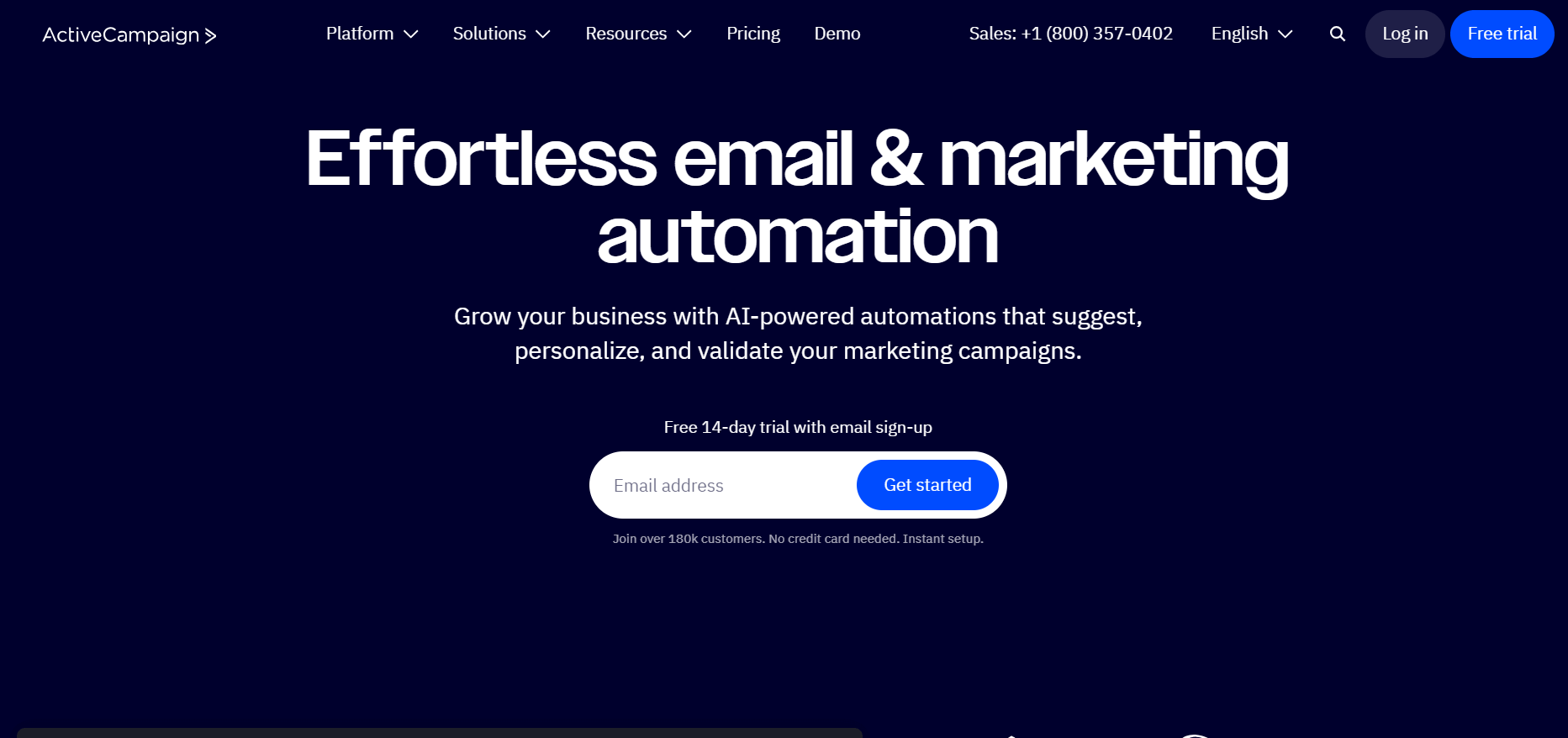
ActiveCampaign is a marketing automation platform that combines email marketing, CRM capabilities, and cross-channel campaign automation. It helps businesses automate their customer journeys — from sending behavior-based emails to tracking website events and managing contact relationships.
Key Features
- AI Campaign Builder & Intelligence: Use natural-language prompts to build campaigns. Active Intelligence agents suggest automations and personalize content.
- Branching Automation: Create workflows that split based on contact behavior (clicks, site visits, engagement).
- Predictive Sending: AI helps decide when to send emails for the highest engagement.
- Cross-Channel Automation: Automate messages across email, SMS, WhatsApp, and site tracking.
- Segmentation & Lead Scoring: Build detailed segments based on user behavior and engagement; score leads to prioritize follow-ups.
- Site & Event Tracking: Track how contacts behave on your website, then trigger automations based on those actions.
- Analytics & Attribution: Real-time analytics, goal tracking, and marketing attribution to understand which campaigns generate revenue.
- CRM Features: Basic deal pipelines, account/contact management, and sales automation can be added or integrated.
- 900+ Integrations: Connects with many third-party tools for e-commerce, analytics, forms, and more.
Who It Suits Best
- Businesses that want both email automation and CRM in a single tool.
- Growth-stage companies that rely on personalized communication and multistep customer journeys.
- Marketing teams that need AI-assisted campaign building and smarter segmentation.
- Sales teams that benefit from simple pipeline management combined with marketing data.
Pricing Summary
- Starter / Lite: Starts at US$15/month, scales by contact volume.
- Plus: Around US$49/month for more automation, lead scoring, and CRM capabilities.
- Professional: ~US$79/month, includes predictive sending, deeper automation branching, and generative AI.
- Enterprise: ~US$145/month (for standard contact tiers), with custom reporting, dedicated support, and advanced CRM features.
- Free Trial: 14-day full access for testing without needing a credit card.
Pros & Cons
| Pros | Cons |
|---|---|
| Very powerful automation, with AI helping build and optimize workflows | Can be expensive as the number of contacts grows |
| Strong behavioral segmentation and lead scoring | CRM features are basic compared to dedicated CRMs |
| Cross-channel support (email + SMS + WhatsApp) | Some add-ons (CRM pipelines, SMS) increase the cost |
| AI-driven campaign suggestions reduce manual planning | Learning curve for branching automations and AI features |
| Real-time analytics + predictive insights | Pricing scales sharply as contact list and usage increase |
Bonus: Simplified vs Canva: Which Tool is Better for Marketing Teams?
Hootsuite — Specialized in Social Monitoring + Inbox Management
What the tool is used for
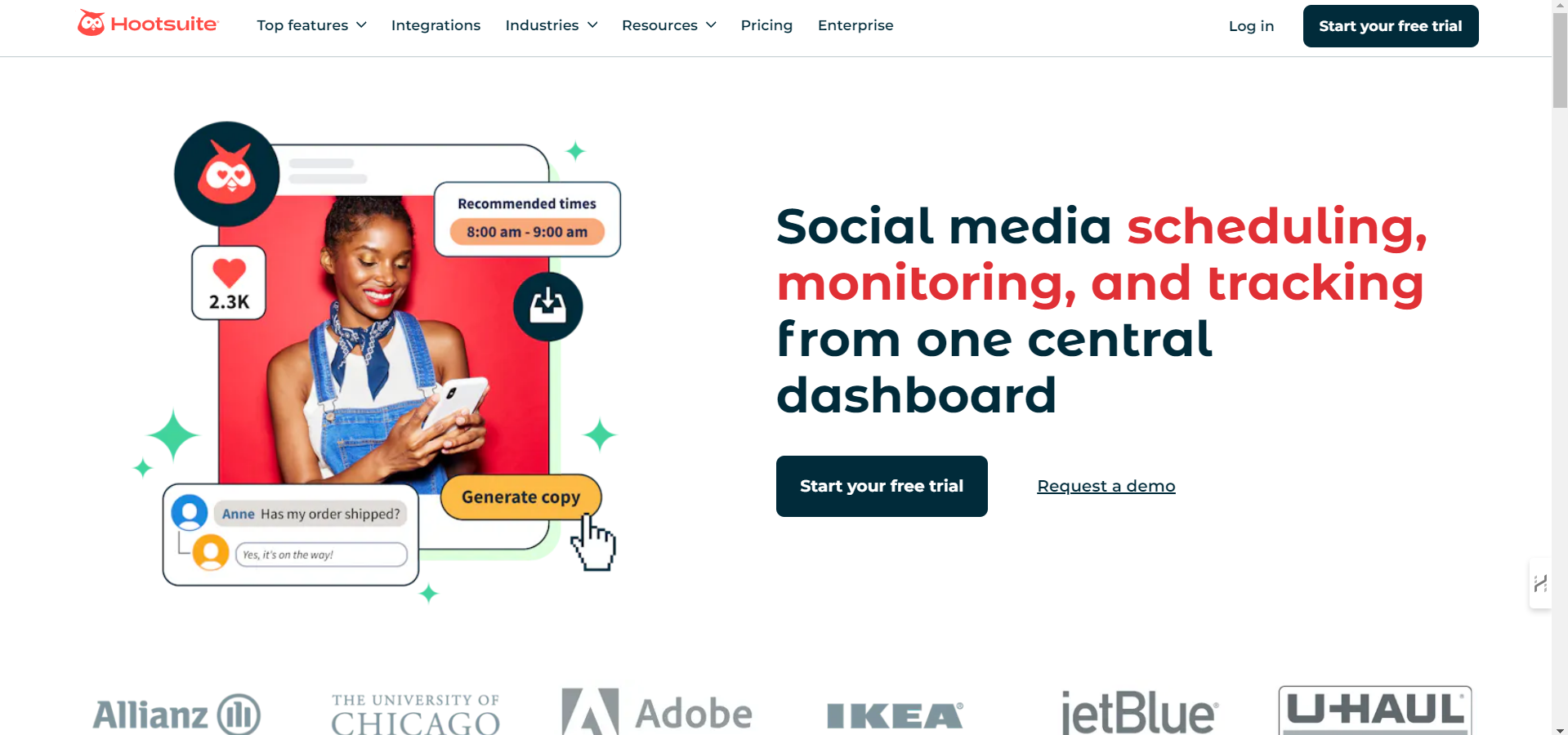
Hootsuite is a social media management platform used to schedule posts, handle messages, track brand activity, and manage multiple accounts from one dashboard. It is often used by mid-sized teams or agencies that manage many profiles at once.
Key features
- Scheduling and publishing for major social platforms
- Central inbox for comments, messages, and mentions
- Monitoring streams to track keywords, competitor activity, and industry trends
- Analytics for post performance, audience metrics, and reporting
- Team access controls and approval workflows
- Content library to organize brand assets
- Integration with apps like Canva, Dropbox, and CRM tools
- Bulk post upload
- Social listening add-ons for deeper monitoring
Who it suits best
- Mid-sized teams managing many accounts
- Agencies handling multiple clients
- Brands that need monitoring streams to track activity
- Teams that require approval workflows for large content pipelines
Pricing summary
- Professional: Starts around $99/month for single users
- Team: Around $249/month for multiple users and approvals
- Enterprise: Custom pricing with advanced monitoring and permissions
- No free plan, but trials are available
Pros & Cons
| Pros | Cons |
|---|---|
| Strong monitoring tools for tracking activity | Higher pricing than most social tools |
| Central inbox helps manage comments and messages | Interface may feel heavy for new users |
| Useful for teams with approval workflows | Some advanced features only in Enterprise plans |
| Works well for agencies or large brands | Reporting options locked in higher tiers |
Marketo — Specialized in Enterprise B2B Lead Nurturing
What the tool is used for
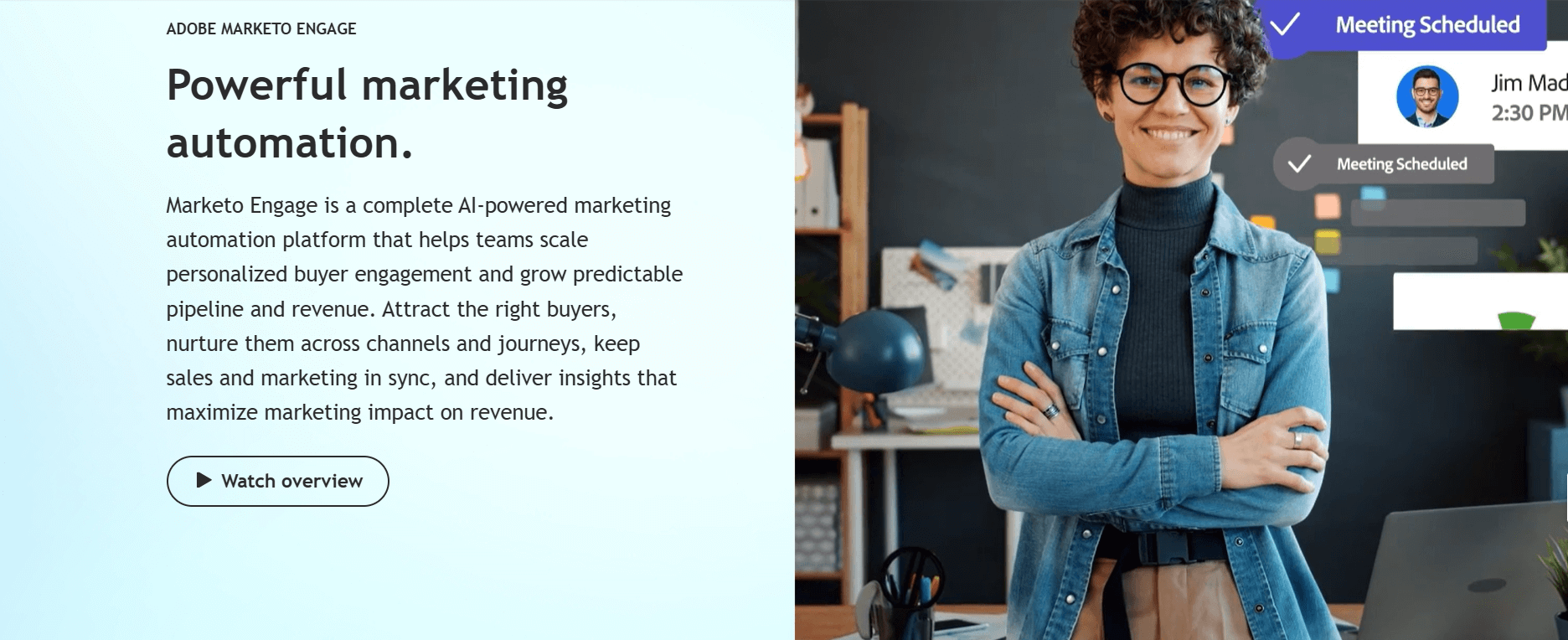
Marketo (by Adobe) is a marketing automation platform designed for large organizations. It is used for complex customer journeys, email campaigns, lead scoring, analytics, and cross-channel campaign management. It works well for teams that need advanced automation connected to sales and customer data.
Key features
- Multi-step automation workflows for email and cross-channel campaigns
- Lead scoring based on behavior, interest, and demographic data
- Advanced segmentation and audience targeting
- CRM integrations, including strong support for Salesforce
- Account-based marketing features
- AI-assisted recommendations for content and targeting
- Real-time analytics and revenue attribution
- A/B testing and dynamic content options
- Large-scale contact and campaign management
Who it suits best
- Enterprise companies with large contact databases
- B2B organizations with long sales cycles
- Teams needing deep integration with CRM tools
- Companies that require cross-channel campaigns and advanced targeting
Pricing summary
- Pricing is not publicly listed
- Quotes vary based on contact volume, automation needs, and add-ons
- Typically falls on the higher end of the market due to enterprise features
Pros & Cons
| Pros | Cons |
|---|---|
| Very strong for enterprise campaigns and large teams | High cost, not suitable for small budgets |
| Deep CRM and sales integration | Complex setup and learning curve |
| Advanced audience targeting and lead scoring | Requires technical skill for full use |
| Rich analytics and attribution | Not ideal for simple or small-scale workflows |
Bonus: 12 Best Marketing Project Management Software to Supercharge Your Campaigns
Pardot — Specialized in Salesforce-Aligned B2B Automation
What the tool is used for
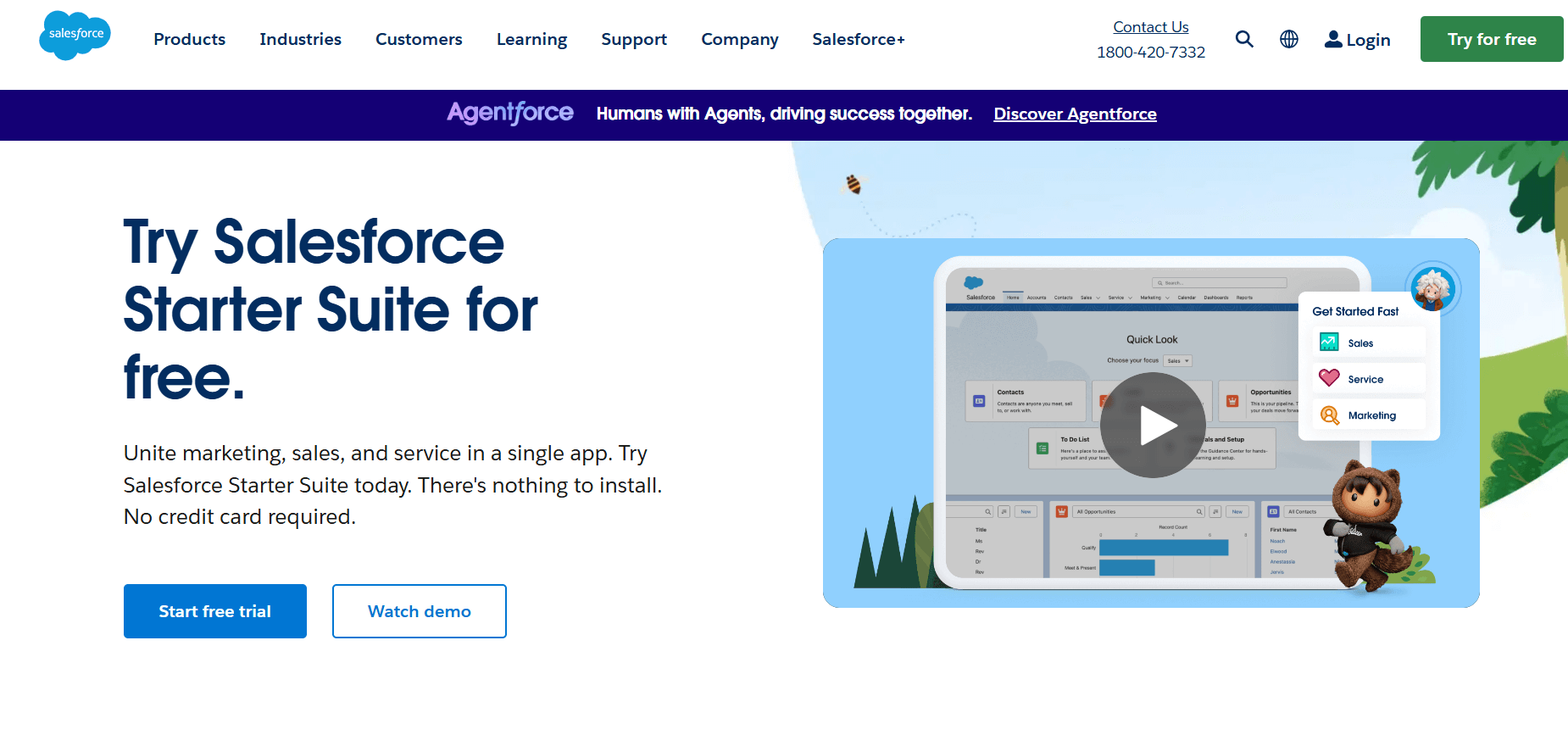
Pardot, now known as Salesforce Marketing Cloud Account Engagement, is a B2B marketing automation platform used for lead nurturing, email journeys, scoring, and campaign tracking. It connects closely with Salesforce CRM, making it useful for businesses that follow long sales cycles and need marketing data tightly linked to sales activity.
Key features
- Multi-step email journeys for nurturing leads
- Lead scoring and grading based on interest and fit
- Landing page and form builder
- CRM sync with Salesforce for real-time data sharing
- A/B testing for emails and pages
- Dynamic content based on visitor behavior
- ROI reporting and revenue attribution
- Segmentation based on CRM fields, activity, and lifecycle stage
- Campaign management and tracking
- Integration with paid ad platforms
Who it suits best
- B2B companies with long or complex sales funnels
- Teams already using Salesforce CRM
- Sales-led organizations that need marketing data tied to pipeline stages
- Companies that rely on lead scoring to prioritize prospects
Pricing summary
- Growth plan: Starts around $1,250/month
- Plus: Approximately $2,500/month
- Advanced: Higher-tier plan with expanded automation and AI features
- Premium: Custom pricing for enterprise-scale needs
(Pricing varies by contacts and automation limits.)
Pros & Cons
| Pros | Cons |
|---|---|
| Strong integration with Salesforce CRM | Very expensive for small or mid-size companies |
| Good for B2B nurturing and long sales cycles | Setup can be time-consuming |
| Powerful lead scoring and grading | Requires Salesforce knowledge for best results |
| Detailed attribution and reporting | Not ideal for B2C or simple automation needs |
Bonus: Improve Email Marketing Campaigns With AI Email Writing Tools
GetResponse — Specialized in Email + Funnel Automation + Webinars
What the tool is used for
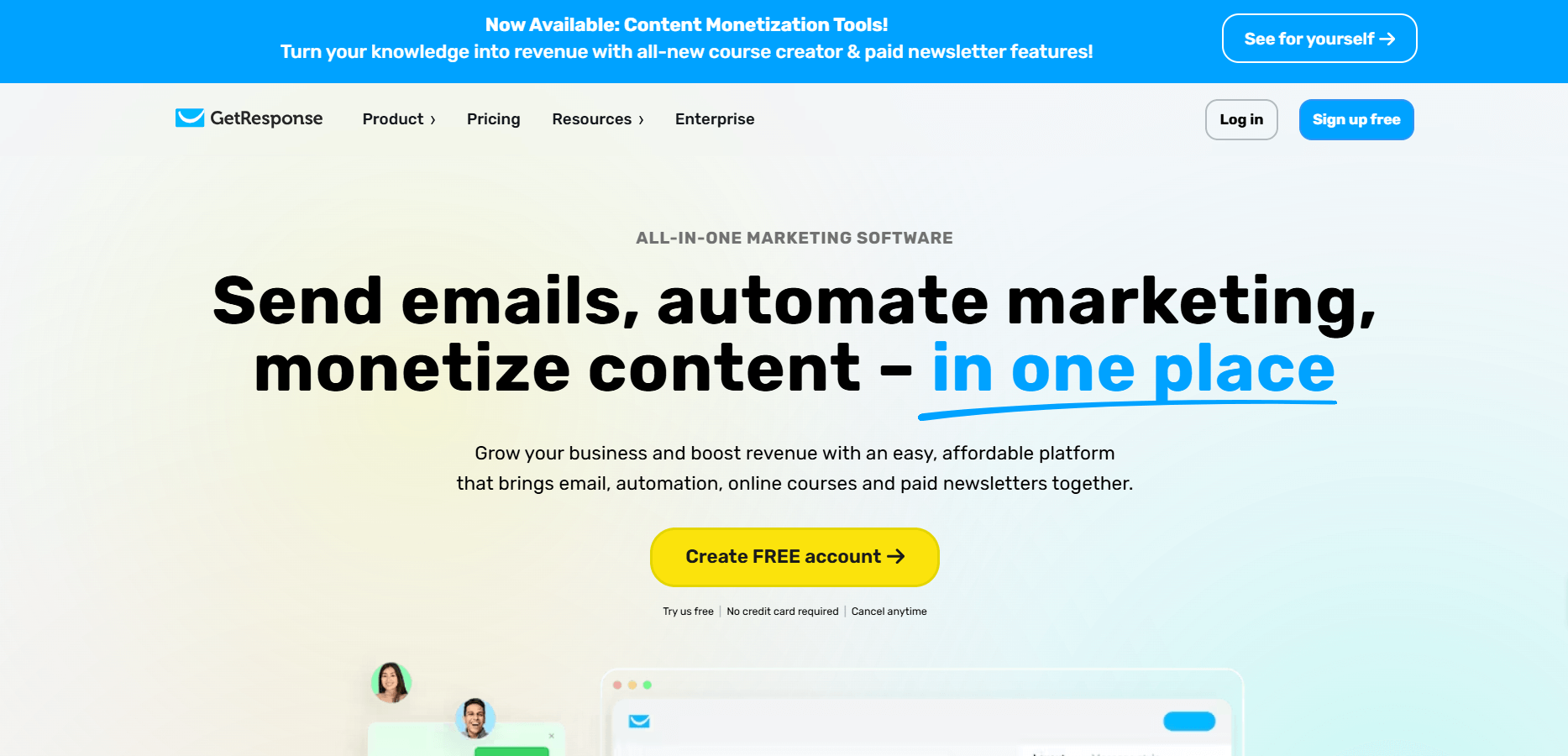
GetResponse is an all-in-one marketing automation platform focused on email marketing, automated customer journeys (funnels), webinars, and lead capture. It helps businesses run email campaigns, build automation workflows, host webinars, and design landing pages — all in one place.
Key features
- Visual workflow builder for automation (triggers, actions, segmentation)
- Unlimited email sends on paid plans
- AI-powered content generation (emails, subject lines)
- Landing page builder with templates and pop-ups
- Webinars: live and on-demand, plus webinar funnels
- Sales funnels and contact scoring for lead capture
- Advanced segmentation and behavioral triggers
- Web push notifications
- SMS marketing (in enterprise plans)
- Dedicated IP & single sign-on in higher-tier (Enterprise) plans
Who it suits best
- Small to medium businesses that want more than just email — they also want funnels and webinars.
- Online educators, coaches, and creators running courses or webinar-based products.
- E-commerce teams that want to build cart recovery funnels and use behavioral automation.
- Marketing teams that prefer a visual, no-code automation builder with flexibility.
Pricing summary
- Starter plan: ~£13/month (if billed yearly) for email marketing, 1 automation workflow, AI tools.
- Marketer plan: ~£44/month (annual billing) — offers unlimited automation workflows, abandoned cart recovery, sales funnels, and advanced segmentation.
- Creator plan: ~£51/month yearly — includes webinars, website builder, course creator, and up to 500 students.
- Enterprise plan: Custom pricing — adds SMS marketing, dedicated IP, SSO, advanced automations.
Pros & Cons
| Pros | Cons |
|---|---|
| Very flexible automation with funnel + email + webinar support | Can be complex for new users to configure workflows and funnels properly |
| Unlimited email sends on paid plans | SMS marketing only in the Enterprise plan |
| AI content tools help with subject lines and email writing | The automation builder on the entry-level plan is limited (only one workflow) |
| Webinar functionality built into the platform | Higher-tier plans needed for webinar audiences and advanced features |
| Good landing page + funnel-builder capabilities | Enterprise plan cost can go up significantly depending on contacts and features |
Zoho Campaigns — Specialized in Email + CRM Sync
What the tool is used for
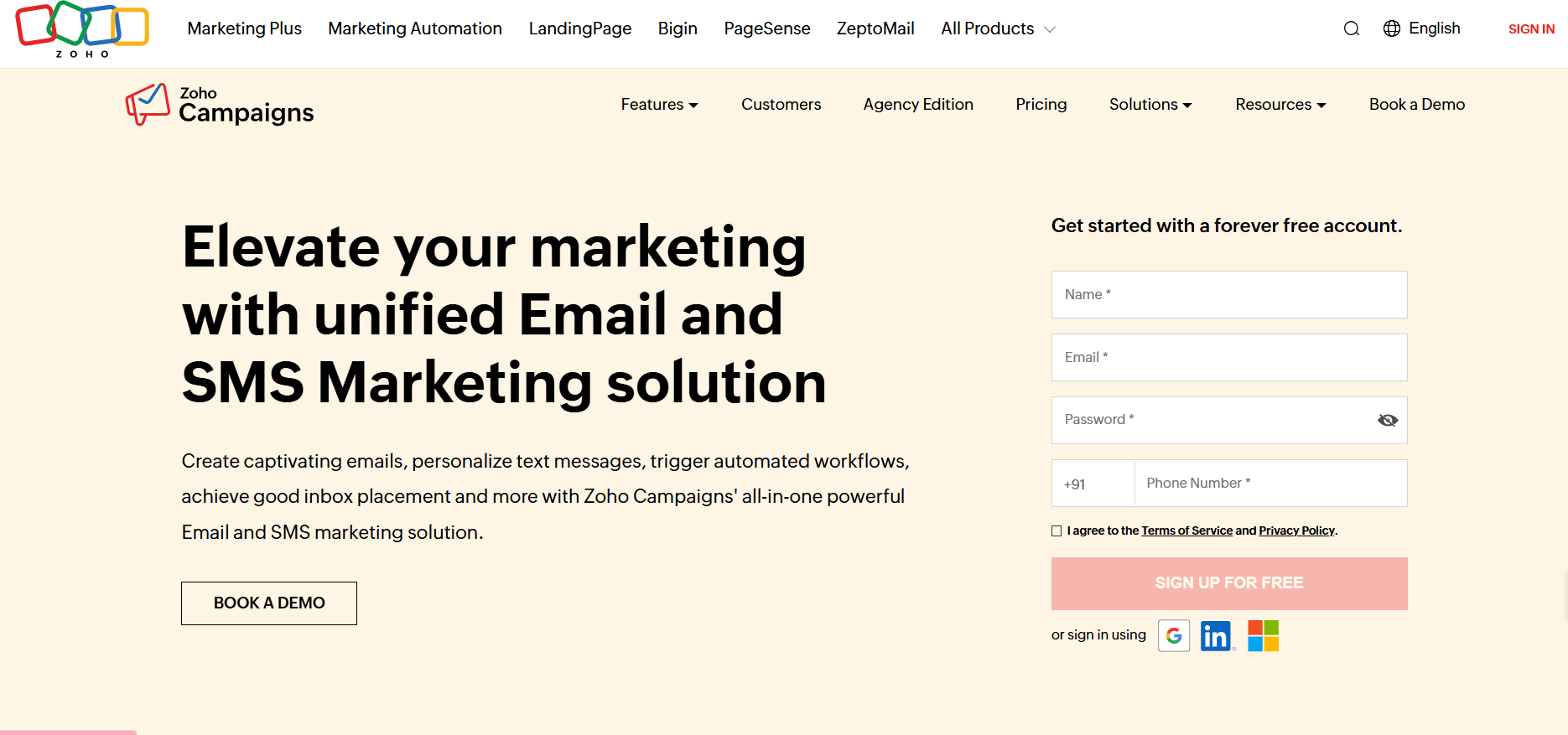
Zoho Campaigns focuses on email and SMS marketing. It helps teams send newsletters, set up automated email sequences, manage contacts, and track performance.
Key Features
- Contact Management & Segmentation: Import contacts from CRM or other sources, manage lists, and segment contacts into groups for targeted messaging.
- Drag-and-Drop Email Editor: Build emails easily using templates or custom HTML; add text, images, social buttons.
- Dynamic Content & Personalization: Use merge tags and dynamic content so different segments see different parts of the same email.
- A/B Testing: Test different versions of your email (subject lines, content) with a subset of contacts, then send the winning version to the rest.
- Send-Time Optimization: Choose the best time to send emails, based on recipient time zones or optimal open times.
- Automation Workflows: Set up automated email sequences (welcome campaigns, lead nurturing) using trigger-based workflows.
- E-commerce Automation: Trigger emails for abandoned carts, purchase follow-ups, feedback or promotions.
- Analytics & Reporting: Track opens, clicks, bounces, unsubscribes, geographical data, and device usage.
- SMS Marketing: Send SMS campaigns via Zoho’s SMS gateway or integrate with third-party SMS services.
- Mobile App: Manage email campaigns, schedule sends, and review reports from a mobile device.
- Integrations: Sync with Zoho CRM, HubSpot, Salesforce, and other apps for a unified flow.
Who It Suits Best
- Small and medium businesses
- Teams using Zoho CRM
- Email-heavy marketers
- Businesses needing email + SMS in one platform
Pricing Summary
- Free plan: Up to 2,000 contacts, 6,000 emails/month
- Standard: Starts around €4/month
- Professional: Starts around €6/month
- Pay-as-you-go options available
Pros & Cons
| Pros | Cons |
|---|---|
| Affordable plans | Interface can feel slow for some users |
| Strong automation options | Some reports of unclear click-tracking data |
| Integrates well with Zoho CRM | Higher automation needs may require upgrades |
| Good analytics | Free plan has limits |
Kit — Specialized in Creator-Focused Email Funnels

What the tool is used for
Kit is an email marketing platform mainly used by creators, educators, and small online businesses. It supports automated sequences, audience tagging, and digital product sales.
Key features
- Visual automation builder for email sequences
- Tag-based audience system for cleaner segmentation
- Landing pages and sign-up forms
- Broadcast emails and drip campaigns
- Simple digital product sales and checkout pages
- Basic analytics for open rates, clicks, and subscriber growth
- Integration with tools commonly used by creators
- Subscriber management through tags and rules
Who it suits best
- Creators selling courses, templates, or digital products
- Solo business owners who need simple automation
- Bloggers, newsletters, educators, and podcasters
- Users who prefer tag-based audience systems
Pricing summary
- Free plan: Up to 1,000 subscribers with limited features
- Creator plan: Starts at around $9/month
- Creator Pro: Higher tier with advanced automation and subscriber scoring
Pros & Cons
| Pros | Cons |
|---|---|
| Clean and simple automation builder | Not ideal for large companies |
| Easy landing page and form tools | Limited design customization |
| Good for digital product sales | Fewer reporting options |
| Affordable pricing for beginners | Less advanced than enterprise platforms |
Brevo — Specialized in Low-Cost Multichannel Communication (Email + SMS + WhatsApp)
What the tool is used for
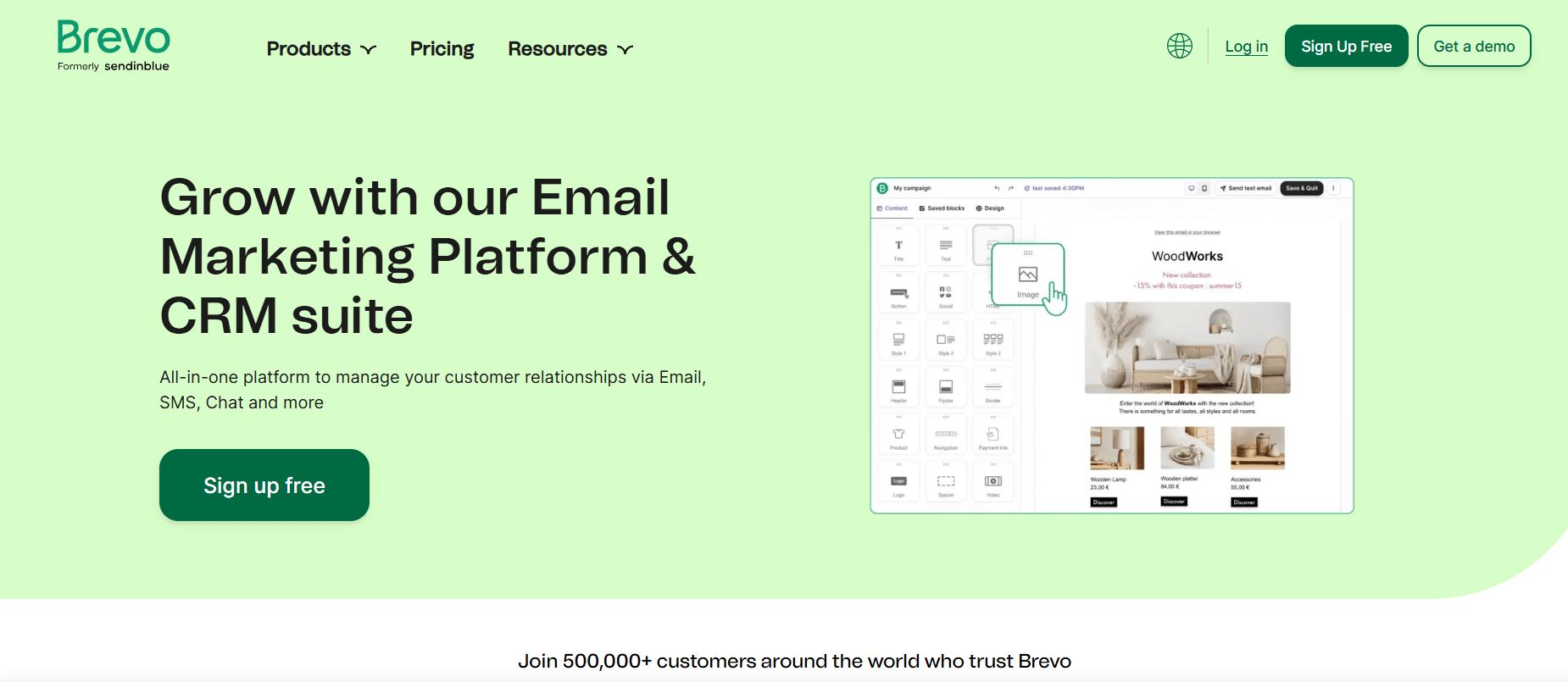
Brevo (formerly Sendinblue) is a platform for email marketing, SMS campaigns, and simple CRM tasks. It supports newsletter creation, automated email journeys, contact management, and customer communication across multiple channels.
Key Features
- Email campaigns with a drag-and-drop builder
- Automated email sequences for welcome flows, re-engagement, and follow-ups
- SMS marketing
- Shared inbox for managing customer messages
- Contact segmentation
- Basic CRM with deal pipelines
- Live chat integration for websites
- WhatsApp campaigns
- Detailed email reports (opens, clicks, deliverability)
- API and integrations for e-commerce platforms
Who It Suits Best
- Small to mid-size businesses
- Teams needing email + SMS + simple CRM in one tool
- E-commerce stores needing automated email and transactional messages
- Businesses looking for low-cost automation options
Pricing Summary
- Free plan: Unlimited contacts, 300 emails/day
- Starter: Begins around $9–$10/month
- Business: Starts near $25/month, includes advanced automation and A/B testing
- Enterprise: Custom pricing for larger teams
Pros & Cons
| Pros | Cons |
|---|---|
| Free plan supports unlimited contacts | Daily send limit on free plan |
| Email + SMS + WhatsApp + simple CRM in one tool | CRM is limited compared to full CRM platforms |
| Good for transactional emails | Some users report slower load times |
| Strong deliverability reputation | Advanced features require higher plans |
The Mistakes That Waste Your Automation Investment
Mistake #1: Picking tools for features you’ll never touch
It’s easy to get excited about advanced AI forecasting, predictive scoring, or deep analytics. But most businesses don’t need those on day one. What you do need is dependable email delivery, simple campaign scheduling, and clear reporting.
Fix: Choose a platform that covers today’s needs with room for your next stage—not a three-year wish list.
Mistake #2: Automating weak marketing
Automation multiplies what you already do. If your message isn’t strong or your offer isn’t clear, automating it won’t improve performance.
Fix: Test messages manually first. Once you know what resonates, then automate.
Mistake #3: “Set it and forget it”
Automation is not the same as autopilot. Workflows lose relevance, audiences change, and trends shift.
Fix: Review your automations every month. Update subject lines, timing, and segmentation based on recent performance.
Mistake #4: Losing the human element
Too much automation can make your brand feel distant. People know when messages are automatically generated.
Fix: Add human touchpoints—personalized replies, check-ins, or occasional manual messages.
Mistake #5: No team training
Many teams buy advanced tools but use them at a basic level. That’s wasted money.
Fix: Train your team or choose a tool they can actually manage.
Mistake #6: Choosing based on popularity
A well-known brand isn’t automatically the right match.
Fix: Compare platforms based on your workflow—not reputation.
Mistake #7: Poor data hygiene
Even the best automation fails with messy lists. Outdated emails, duplicates, and unengaged contacts drag down your results.
Fix: Clean your list regularly and segment by interest or behavior.
Conclusion: Your Next Steps
The main takeaway is simple: there isn’t one “best” marketing automation tool for everyone. The right platform depends on your goals, your budget, and the type of work your team handles each day.
To help you choose faster, here’s a short decision guide:
- Need content creation + Scheduling automation? Start with Simplified
- New to email marketing? Try Mailchimp or Constant Contact
- Need advanced email journeys? Test ActiveCampaign
- Focusing on social media? Choose Buffer or Hootsuite based on the number of profiles you manage
- B2B team with a CRM process? Look at HubSpot or Zoho Marketing
- Creator or blogger? ConvertKit is a strong fit
- Need email + SMS + WhatsApp on a budget? Go with Brevo
- Large B2B teams? Marketo works well for long sales cycles
Your Action Plan
- Decide your top priority — email, social, or multi-channel support
- Set a clear budget, including room for growth
- Select two or three platforms that match your needs
- Sign up for free trials (many offer 14–30 days)
- Run small real campaigns to understand the workflow
- Ask your team for input
- Choose the platform that feels the most practical for daily use
The tool that works best is the one that fits your workflow and that you can use consistently. A simpler tool used every day will always bring better results than a complex system that your team never opens.
When you’re ready, choose two tools from your shortlist and test them this week. Free trials make it easy to see what fits.
Frequently Asked Questions
1. What’s the difference between email marketing tools and marketing automation platforms?
Email tools send newsletters and track basic metrics. Automation platforms handle multi-step journeys, behavior triggers, CRM integration, and lead scoring. Use email tools for simple campaigns; use automation platforms for advanced workflows.
2. Can I use multiple automation tools together?
Yes. Many pair a social tool with an email tool (e.g., Buffer + ConvertKit). It works when one platform can’t cover everything. Just check integrations, data sync, and be prepared to manage multiple dashboards.
3. What should I check first before choosing a marketing automation tool?
Start by listing your main tasks—email, social publishing, lead follow-ups, or reporting. Your tool should match the tasks you handle most often.
4. What happens to my data if I switch platforms?
You can export contacts, but templates, workflows, analytics, and engagement history usually won’t transfer. Plan a 2–4 week overlap, document workflows, and test everything before switching.
5. Will automation affect my email delivery rates?
Delivery improves when you send consistent, well-timed messages. Poor lists and outdated content can hurt delivery, so regular cleaning is important.
6. Are free plans actually useful?
Yes. Tools like HubSpot CRM, Simplified, Mailchimp, Buffer, and Brevo offer solid free tiers. Great for testing or small projects. You’ll eventually upgrade for higher limits, automation, and support.